Français
 English
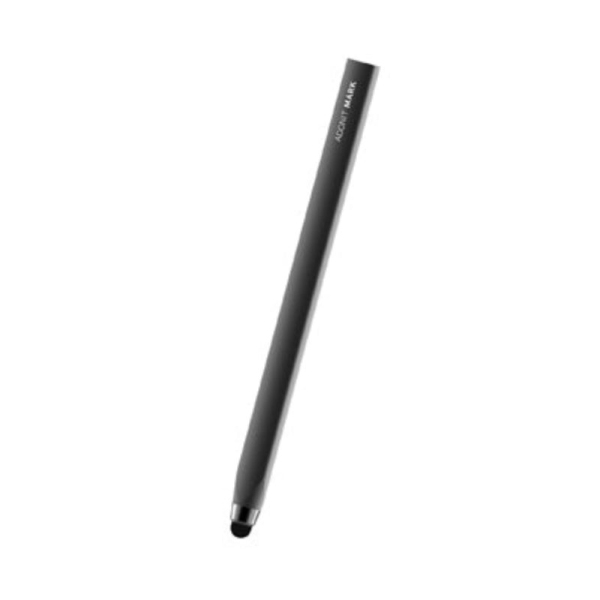
Ref.AD-ADMB
Price:€9.95
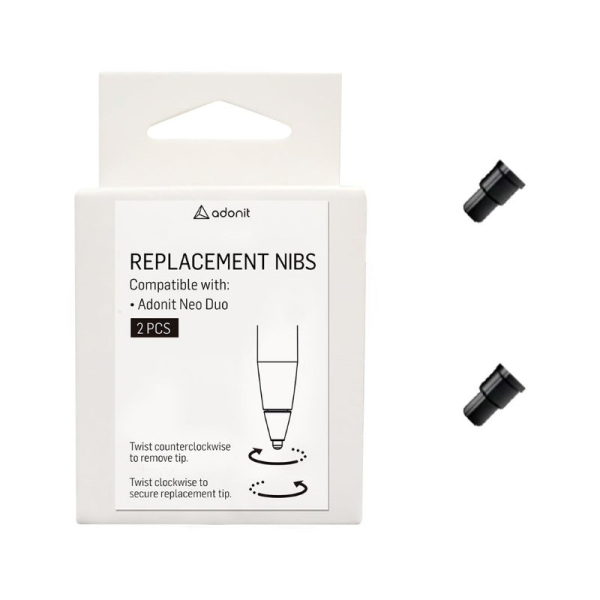
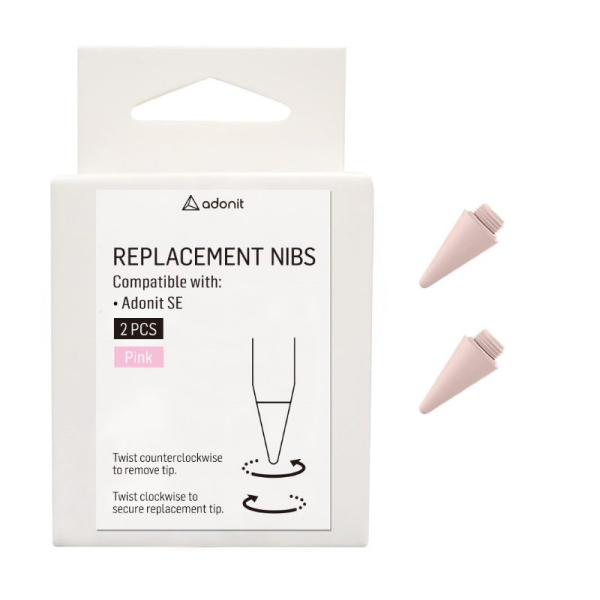
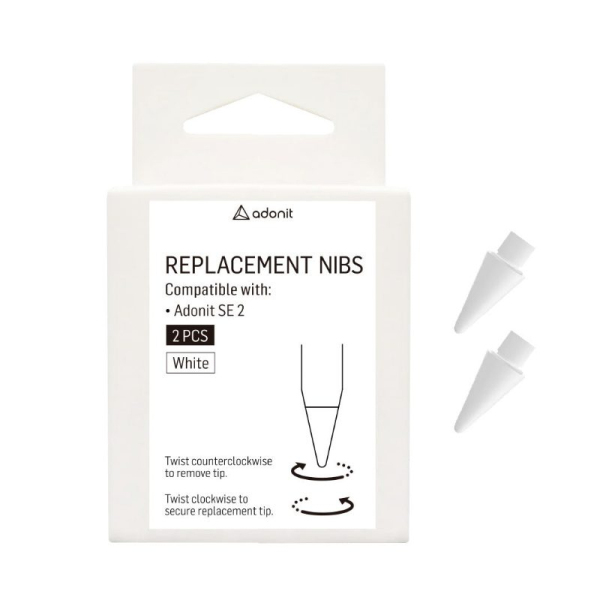
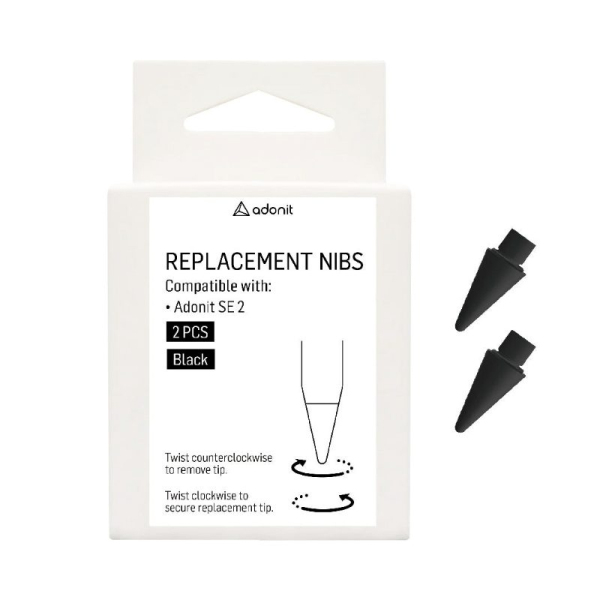
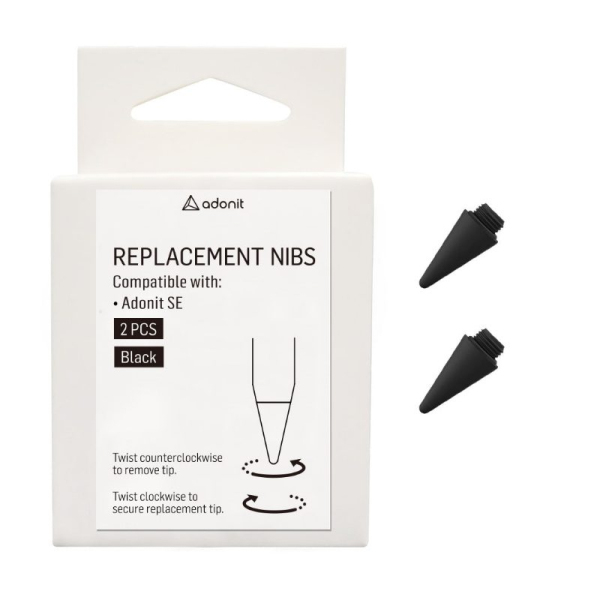
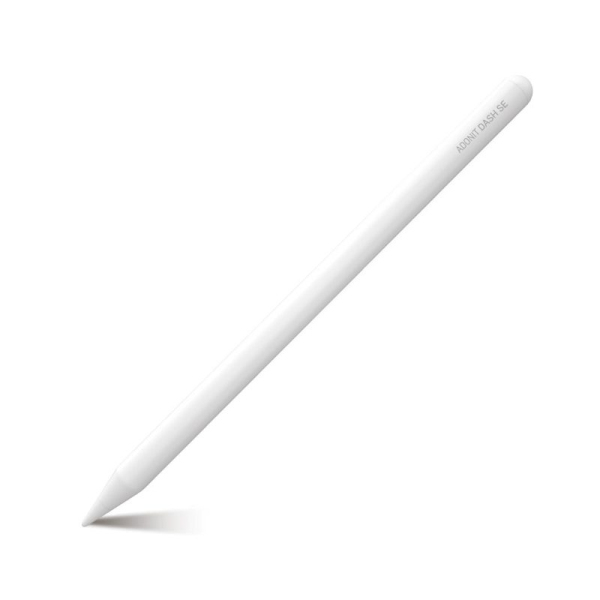
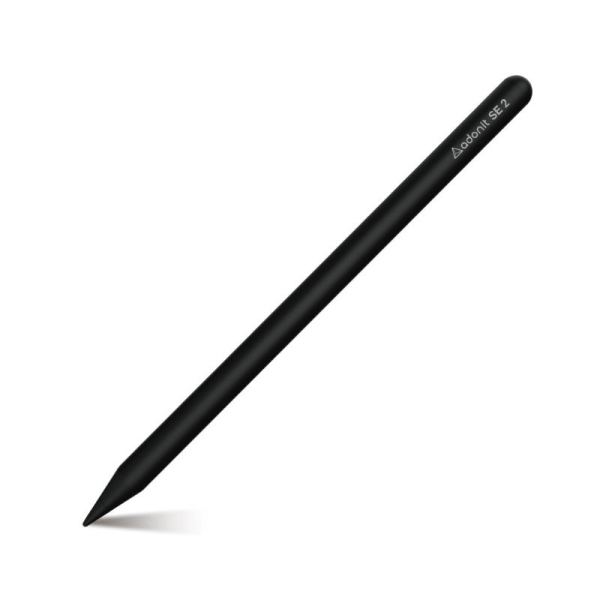
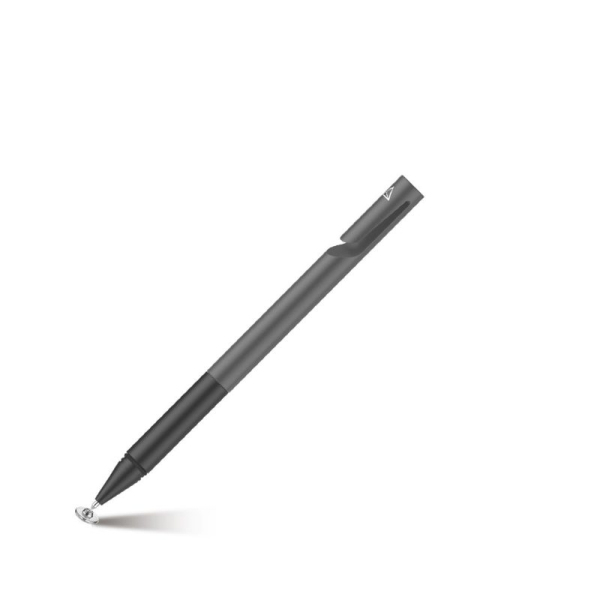
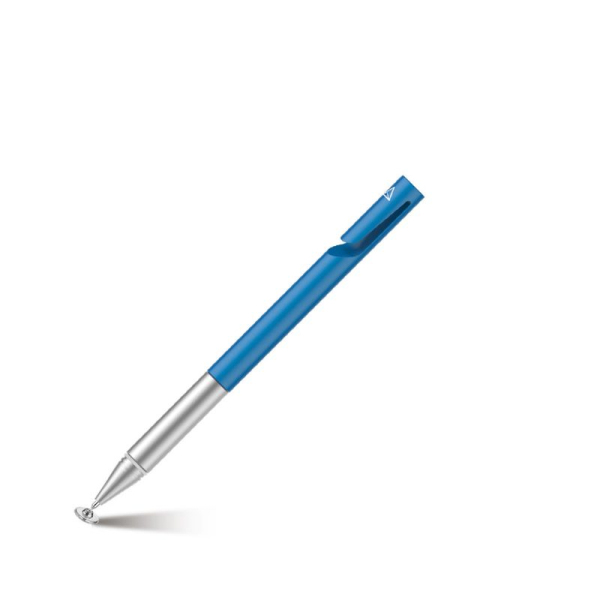
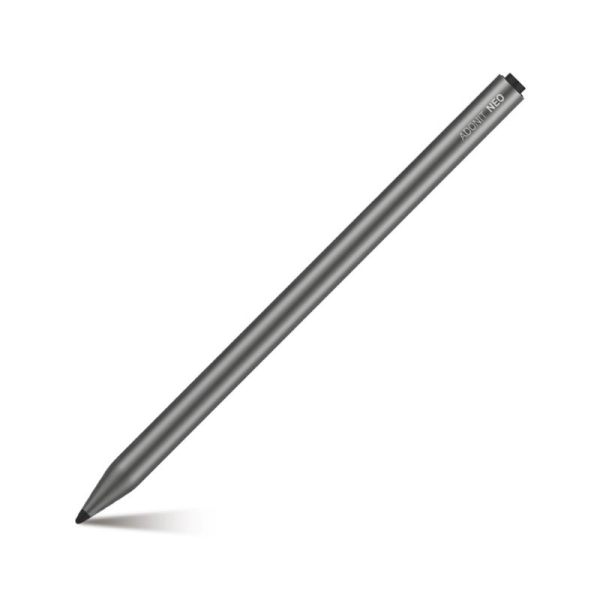
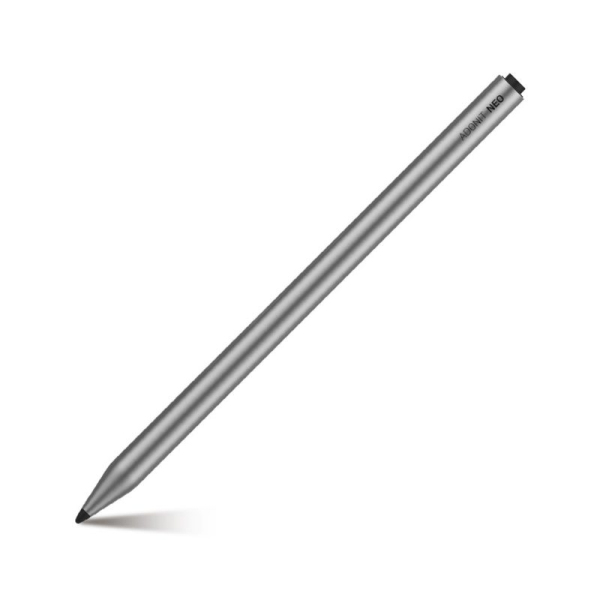
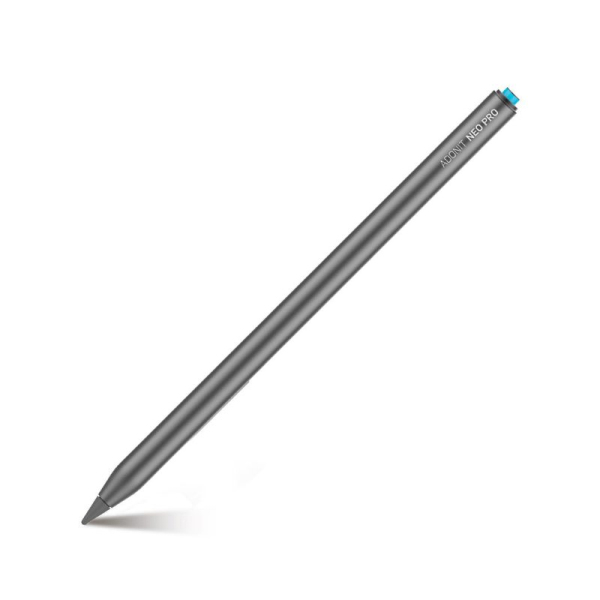
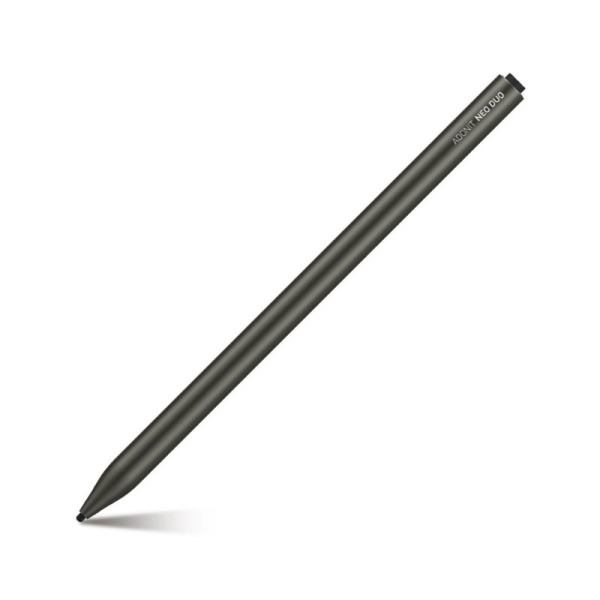
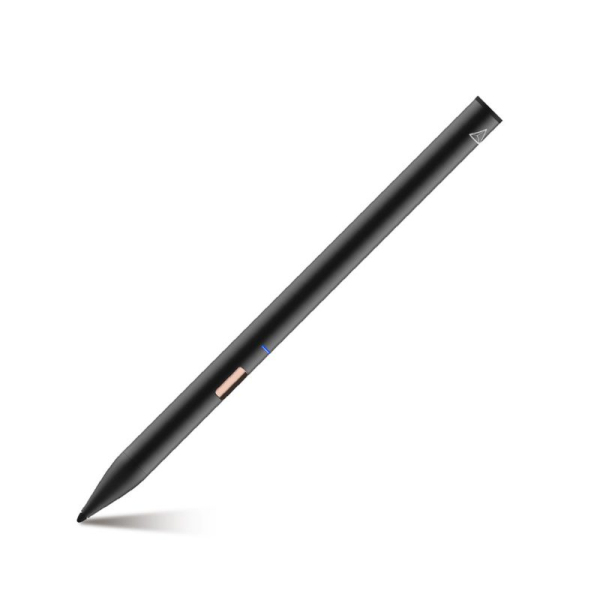
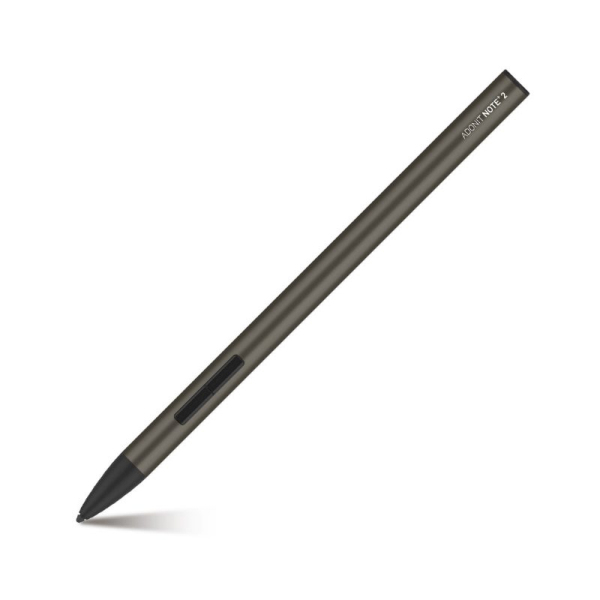
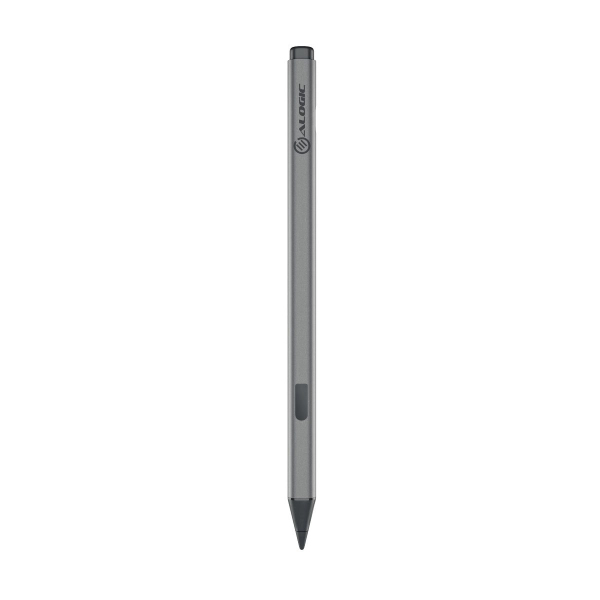


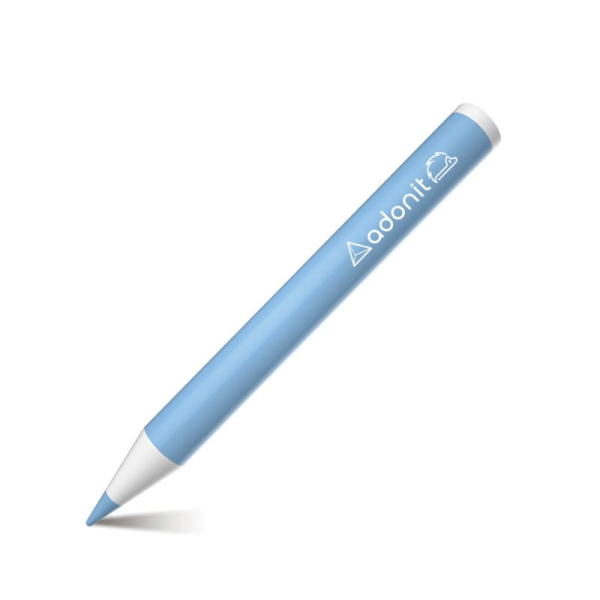
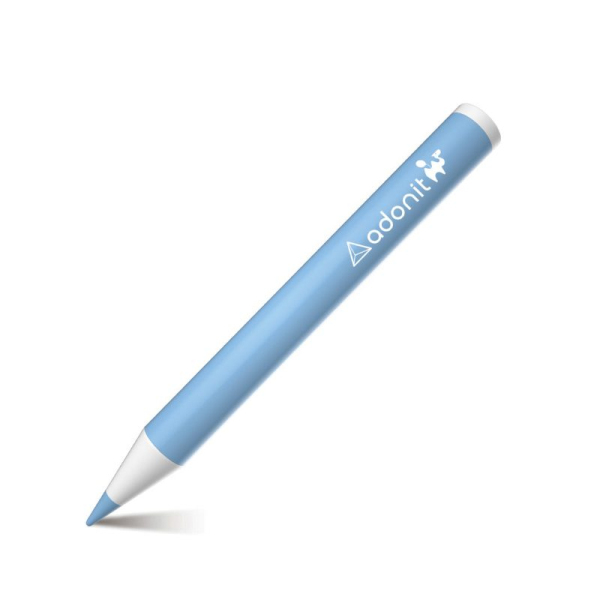
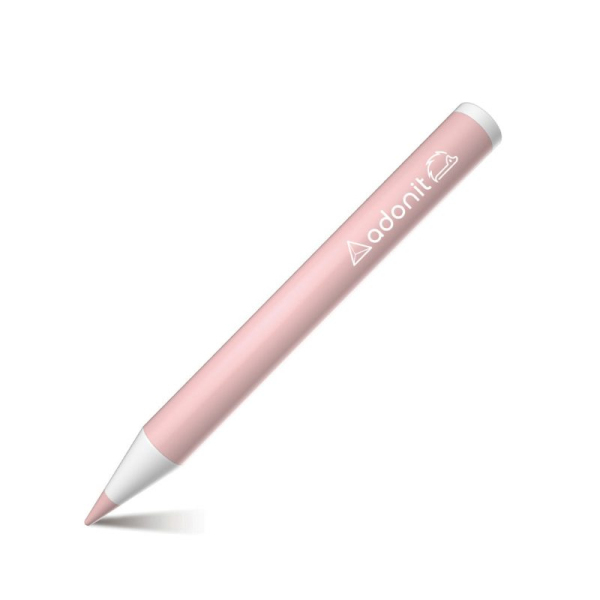
Adonit styluses for iPad, iPhone, Android tablets and Microsoft Surface: fine precision tip, palm rejection, USB-C charging, plus replacement tips. For writing, drawing and annotating. Read the guide
A stylus replaces your finger with a fine tip: note-taking, document annotation, sketching or photo retouching become more precise. Not every stylus works on every screen: start with your device, then the tip technology.
Active iPad styluses offer a fine tip, palm rejection and tilt for shading. They work with recent iPads without Bluetooth pairing.
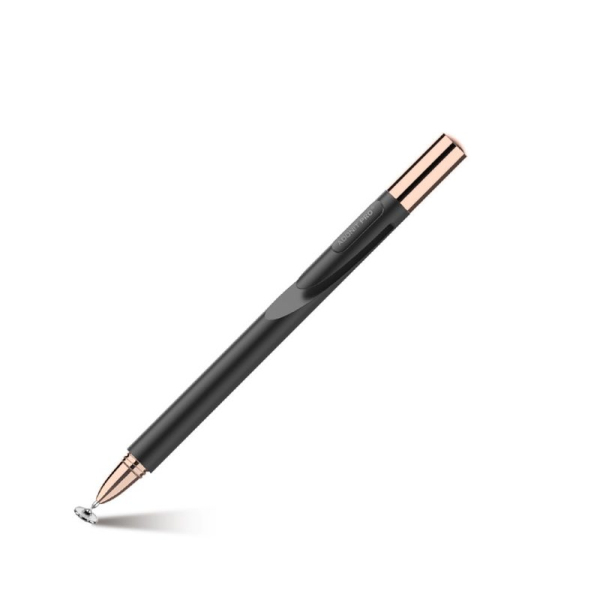
For iPhone and Android devices, precision-disc or universal-tip styluses work on any touch screen.
Surface styluses use Windows pen technology: pressure, eraser and shortcuts in compatible apps.
A tip wears over time, faster with a paper-feel film. Replacement tips restore the stylus’s precision.
An active iPad stylus only works on the models listed by the manufacturer: check your iPad generation on the product page.
A passive stylus, with a disc or soft tip, works on any touch screen but without palm rejection.
Not sure about compatibility? Call us on +33 4 65 81 43 64, Monday to Saturday from 9 am to 7 pm, or email [email protected].
| Device | Recommended stylus | Good to know |
|---|---|---|
| Recent iPad | Active stylus | Palm rejection and tilt |
| iPhone, smartphone | Precision-disc stylus | Works without a battery |
| Android tablet | Universal stylus | Works on all touch screens |
| Microsoft Surface | Windows-compatible stylus | Pressure and eraser |
Adonit, a stylus specialist for over ten years: active iPad styluses, precision-disc styluses, models for Surface and Android, and replacement tips. For more grip when drawing, pair them with a paper-feel film from our screen protectors.
Active iPad styluses usually work without pairing. Some models offer Bluetooth for shortcuts: the product page says so.
Yes with a palm-rejection stylus, on compatible devices. With a passive stylus, your hand may leave marks.
When it becomes flat or rough, or the line loses precision. A worn tip can scratch a screen protector.
Orders are dispatched within 48 hours from France. Delivery is free from €75; below that, costs depend on the carrier chosen and the destination.
Yes, all our styluses come with a 12-month warranty. Our customer service is available Monday to Saturday, 9 am to 7 pm, on +33 4 65 81 43 64.
Companies, schools, public bodies: we supply styluses and replacement tips in volume, with volume pricing, compatibility advice and dispatch within 48 hours from France.